Apple Support will never send out text messages asking you to call them. Therefore, if you have received an Apple Pay Support Team text claiming there is an unauthorized payment on your account or that it has been suspended, do not call the telephone number in the text. This is because the fake telephone number is not the Apple support team phone number.
The Apple Security Alert Scam
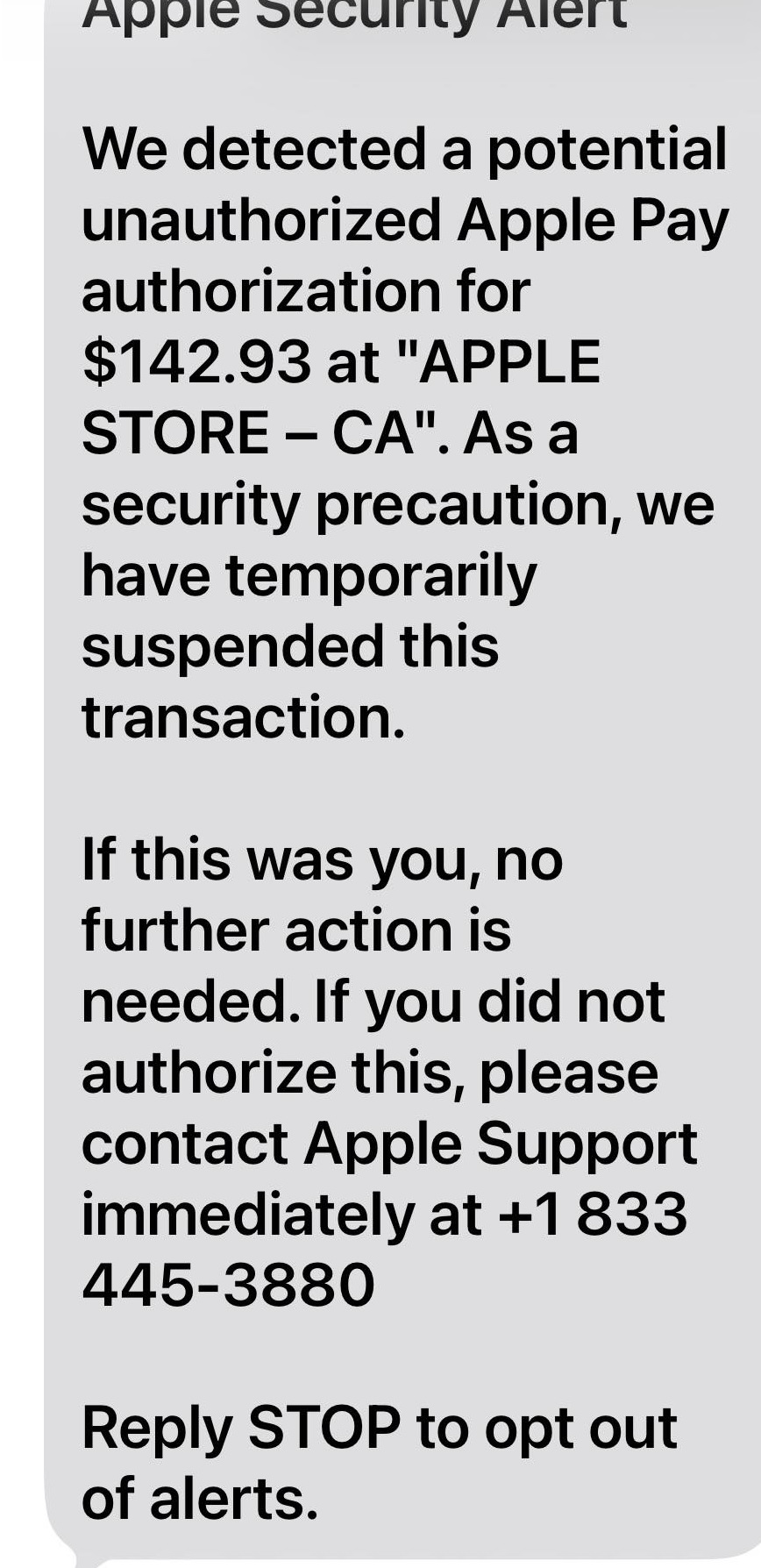
Apple Security Alert
We detected a potential unauthorized Apple Pay authorization for $142.93 at "APPLE STORE - CA". As a security precaution, we have temporarily suspended this transaction.
If this was you, no further action is needed. If you did not authorize this, please contact Apple Support immediately at +1 833-445-3880
Reply STOP to opt out of alerts.
Common Apple Pay Scams
- Fake Fraud Alerts (Phishing): You receive an urgent text or email (often with official logos and case IDs) claiming a large unauthorized transaction was blocked. It pressures you to call a provided number or click a link, which leads to scammers posing as Apple Support to steal your Apple ID, 2FA codes, or card details.
- The "Accidental" Overpayment: A stranger sends you money via Apple Cash and then messages you claiming it was a mistake, asking you to send it back. The original payment often uses a stolen card; once the bank reverses the stolen charge, any money you "sent back" is taken from your own funds.
- Marketplace & Buyer Fraud: Scammers on platforms like Facebook Marketplace send fake screenshots "proving" they paid via Apple Pay. They may claim funds are "in escrow" until you provide a shipping tracking number. In reality, Apple Pay does not hold funds in escrow.
- 2FA & Verification Code Requests: Scammers may trigger a login attempt on your account and then call you, pretending to be support, to ask for the six-digit verification code sent to your device. Apple will never ask for your 2FA codes.
- Public Wi-Fi & "Evil Twin" Hotspots: Hackers set up fake Wi-Fi networks in public places to monitor your traffic and redirect you to fraudulent login pages designed to harvest your Apple ID.
Red Flags to Watch For
- Urgency: Messages demanding action within a short timeframe (e.g., "account will be locked in 30 minutes").
- Unusual Senders: Email addresses that do not end in
@apple.com or @icloud.com, or texts from random personal numbers. - Requests for Sensitive Info: Any request for your device passcode, Apple ID password, or 2FA codes.
- Verification Outside the App: Legitimate Apple Pay issues will appear directly in your Wallet app or Settings, not exclusively via an unsolicited link in a text.
How to Protect Yourself
- Enable Stolen Device Protection: Found in Settings > Face ID & Passcode, this adds extra security layers for sensitive account changes.
- Use Biometrics: Rely on Face ID or Touch ID rather than just a passcode, as biometrics cannot be easily stolen or observed by others.
- Verify Independently: If you receive a suspicious alert, do not use the provided link or phone number. Instead, go directly to the official Apple Support website or use the official Apple Support App.
- Report Scams: Forward suspicious phishing emails or screenshots of texts to reportphishing@apple.com.
If you believe you have already been scammed, contact your bank immediately to freeze your cards and change your Apple ID password at appleid.apple.com.