Here's what I found after three solid months of hands-on testing.

The Setup: Why I Started Looking
We produce about 15-20 video pieces a month across different formats — training content, product updates, internal communications, stuff like that. Every month it was the same cycle: schedule talent, book a studio, deal with camera operators, edit, re-edit, revise, push back timelines.
We were spending roughly $3,000-5,000 per month on production just to keep up with content demand. The actual content quality was fine, but the overhead was ridiculous. When I heard about AI Studios, my first instinct was skepticism. I've tested enough "AI video" tools to know most of them are just fancy screen recording software with a bot voice slapped on top.
I was wrong about this one.
Custom Avatar : The Feature That Changed Things
The first thing I tested was Custom Avatar creation. The concept is straightforward — upload footage of a real person, AI Studios generates a digital version, you can then use that avatar to produce unlimited video content.
I was genuinely skeptical about quality. Custom avatars tend to look... not great. Uncanny valley stuff.
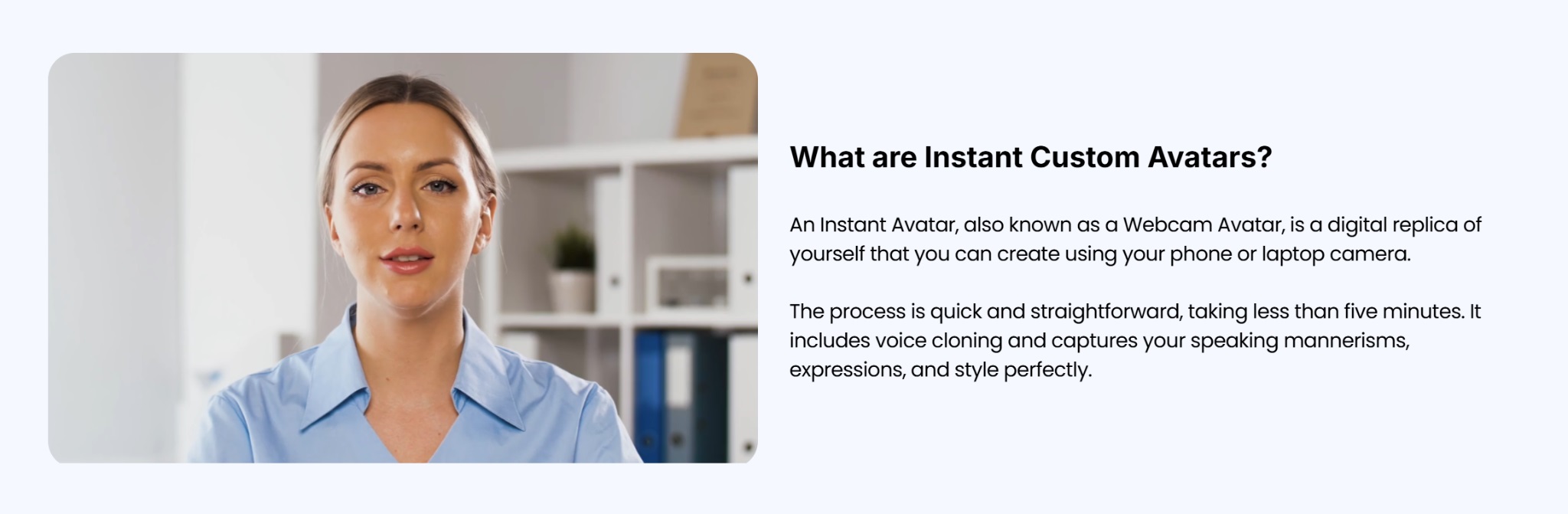 What I got was different. I uploaded a 90-second clip of our VP of Communications, and AI Studios processed it into an avatar. When I watched the first test video — our VP's avatar reading a script she'd never actually recorded — I had to do a double-take. The lip-sync was clean. Her facial expressions looked natural. If someone showed me this video without context, I genuinely wouldn't assume it was AI-generated on first viewing.
Over three months, we used that avatar to produce 18 videos. Every single one required zero re-recording, zero studio time, zero scheduling headaches. We just updated the script and hit publish.
For any organization that needs consistent video communications from specific people, this is transformative. Think CEO updates, HR announcements, training modules — anything where you want the same person delivering different messages without re-recording every time.
AI Dubbing : Global Reach Without the Localization Bill
Here's the feature that actually surprised me most.
We had existing video content in English that we wanted to reach our teams in Korea, Japan, and Spain. Traditionally, you'd hire translators, re-record with voice talent, do lip-sync work, hope it doesn't look terrible. Budget: $2,000-4,000 per language, timeline: 4-6 weeks.
With AI Studios, I uploaded our videos and selected target languages. What came back was dubbed video with automatic lip-sync matching and voice cloning that preserved the original speaker's tone. I tested English → Korean and English → Spanish.
The quality was shockingly good. The lip movements matched. The voices didn't sound robotic or generic. It felt like the original speaker had actually recorded in those languages.
One video, 150+ language options, near-zero additional production cost. For companies with global teams or international customer bases, this alone could justify the platform cost.
Training Video : The Sleeper Feature Nobody Talks About
This is the one that I think has the most enterprise potential, and it's also the one most people overlook because it's less flashy than avatar cloning.
AI Studios can take a PowerPoint or training document, convert it into a fully produced video with an AI avatar presenting the material, add interactive branching (so viewers can choose different paths through the content), include quiz checkpoints, and export it all as SCORM-compliant files that plug directly into LMS platforms like Moodle or Cornerstone.
I tested this with one of our employee onboarding modules. I took the existing PDF training materials, uploaded them to AI Studios, configured branching scenarios and quiz questions, and had a finished interactive training video ready in about 45 minutes.
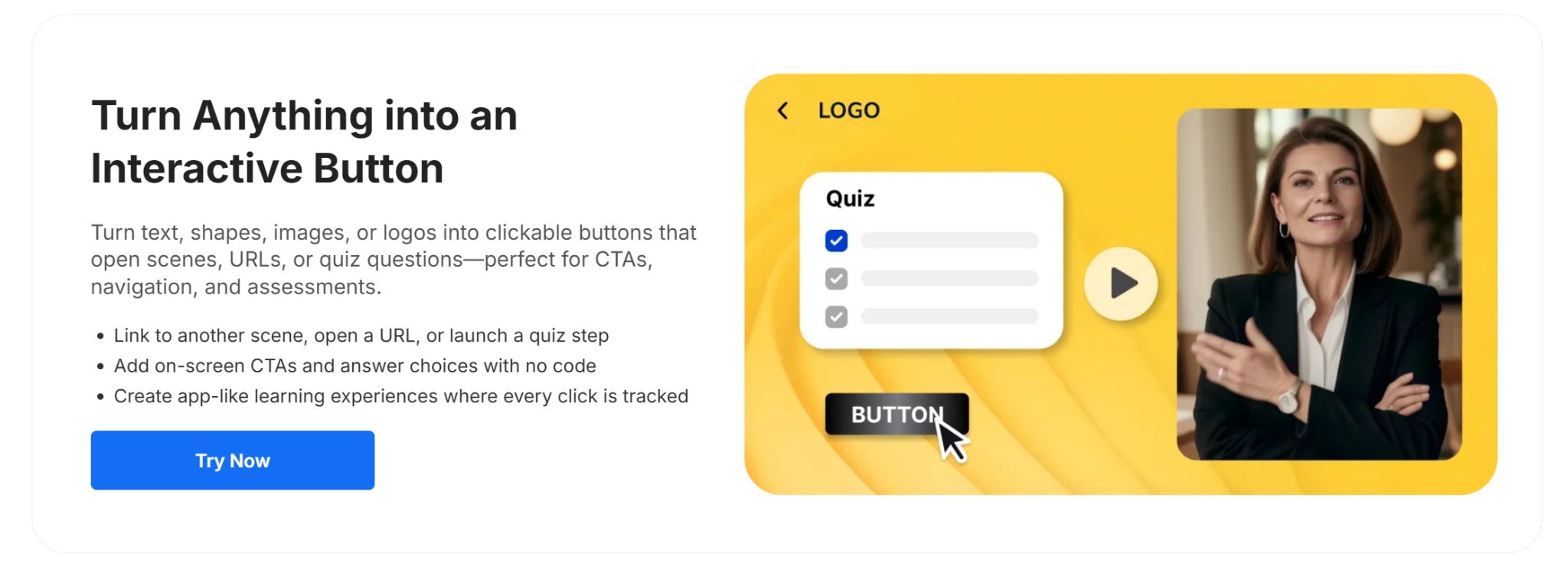
Building that same content through traditional video production would have taken our team about a week and cost around $2,500-3,000.
The SCORM export worked flawlessly — it plugged into our LMS without any compatibility issues. When content needs updating, we just edit the source material and republish. No re-recording, no reshooting, no production timeline drama.
For L&D teams especially, this is a game-changer.
This one still feels a bit like science fiction to me, but Interactive Avatar lets you create conversational AI avatars — users can ask questions in real-time and get responses from a lifelike avatar that maintains eye contact and natural expressions throughout the interaction.
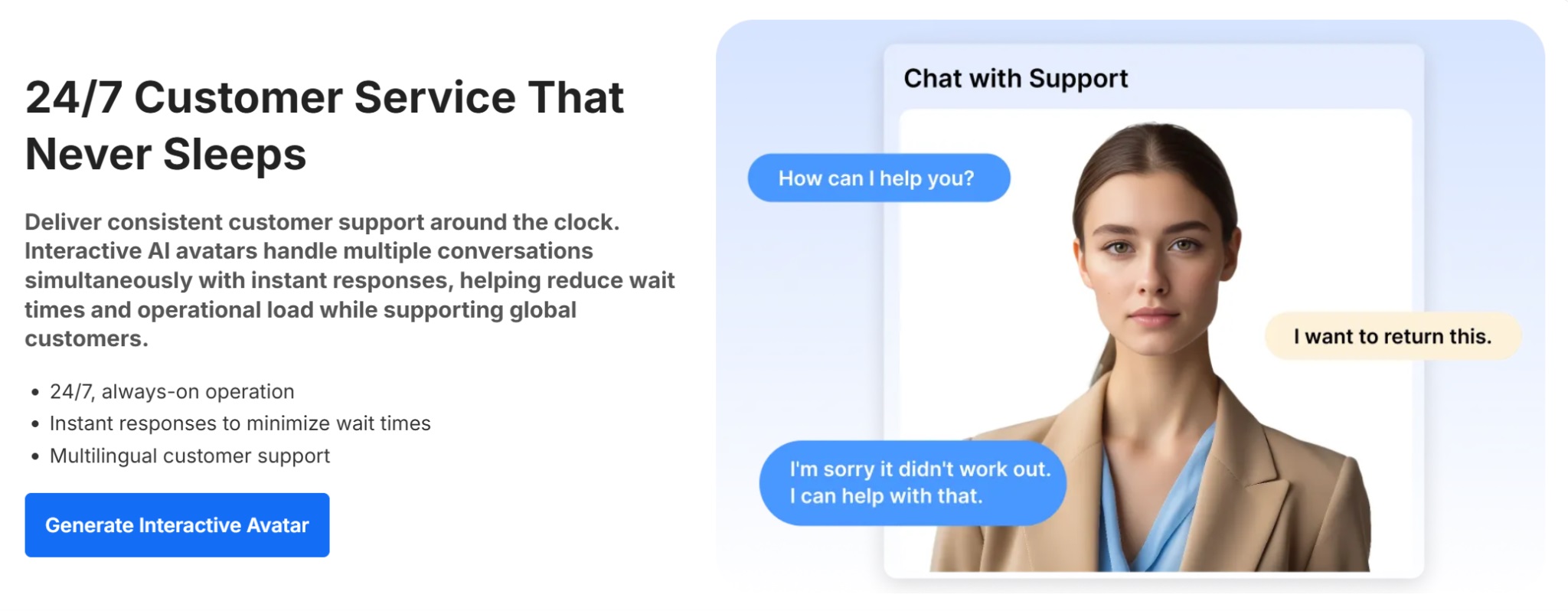
I tested it with a basic setup: connected a knowledge base about our product features, deployed an Interactive Avatar to a test page, and let some colleagues interact with it.
The conversation quality was contextually aware. The avatar's responses made sense. It wasn't perfect — sometimes the tone felt slightly off — but it was genuinely functional as a customer-facing tool.
The practical applications are interesting: customer support kiosks, HR chatbots available 24/7, product demo agents that can answer common questions without human intervention. For businesses exploring AI-powered customer service, this is a legitimate option.
Rather than building its own generative model, AI Studios integrates several of the top ones available — Kling, Veo (from Google DeepMind), and others. You can run the same prompt through multiple models and compare results without switching between platforms or managing separate API keys.
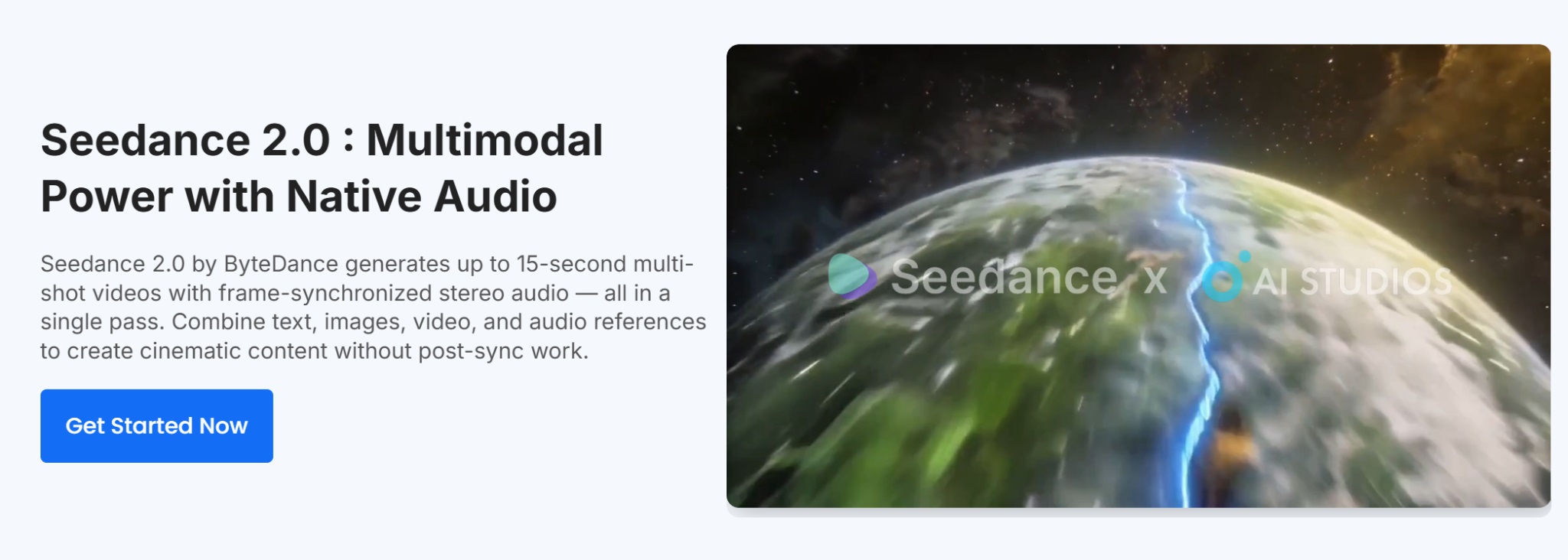
For someone experimenting with generative video, this is the lowest-friction entry point I've found. No technical setup, no API management, just type a prompt and see what you get.
The interesting creative possibility is combining generative video as b-roll with an AI avatar doing the voiceover — you get the visual dynamism of generated footage with the consistency and control of avatar-based narration.
What Didn't Work or Could Be Better
I want to be honest about limitations, because no tool is perfect.
Custom Avatar creation works best with clean, well-lit source footage. If you're uploading video shot on a phone in bad lighting, results are more variable. For enterprise use, this usually isn't an issue, but it's worth knowing if you're working with limited resources.
The platform has real depth, which means there's a learning curve. Getting comfortable with SCORM export workflows, Interactive Avatar knowledge base setup, and some of the more advanced features takes time and documentation reading. It's not difficult, but it's not intuitive either.
Neither of these are dealbreakers. They're just the kind of friction you'd expect from a platform trying to do a lot, and doing most of it well.
The Numbers
After three months:
- 18 videos produced with Custom Avatar (vs. our previous ~5 per month through traditional production)
- 3 videos dubbed into multiple languages (would have cost us $6,000-12,000 through traditional localization)
- 2 interactive training modules created and deployed
- Estimated time savings: roughly 80-100 hours of production work
- Estimated cost savings: approximately $8,000-12,000
Those numbers matter.
Final Take
AI Studios isn't going to replace all video production. It's not a tool for everything. But for high-volume corporate content, training materials, multilingual distribution, and customer-facing automation? It's a serious alternative to traditional workflows, and it's cheaper and faster than what most organizations are currently doing.
The tagline DeepBrain AI uses — "Just type your script. AI does the rest" — actually holds up when you test it. Which is rarer than it should be in the AI tool space.
If you produce video content regularly, train employees at scale, or are trying to reach global audiences, it's worth getting your hands on. You can start with a free account at aistudios.com.
Whether you'll actually switch from your current workflow probably depends on how much your current workflow is costing you and how much of your time it's consuming. For us, it was a no-brainer.